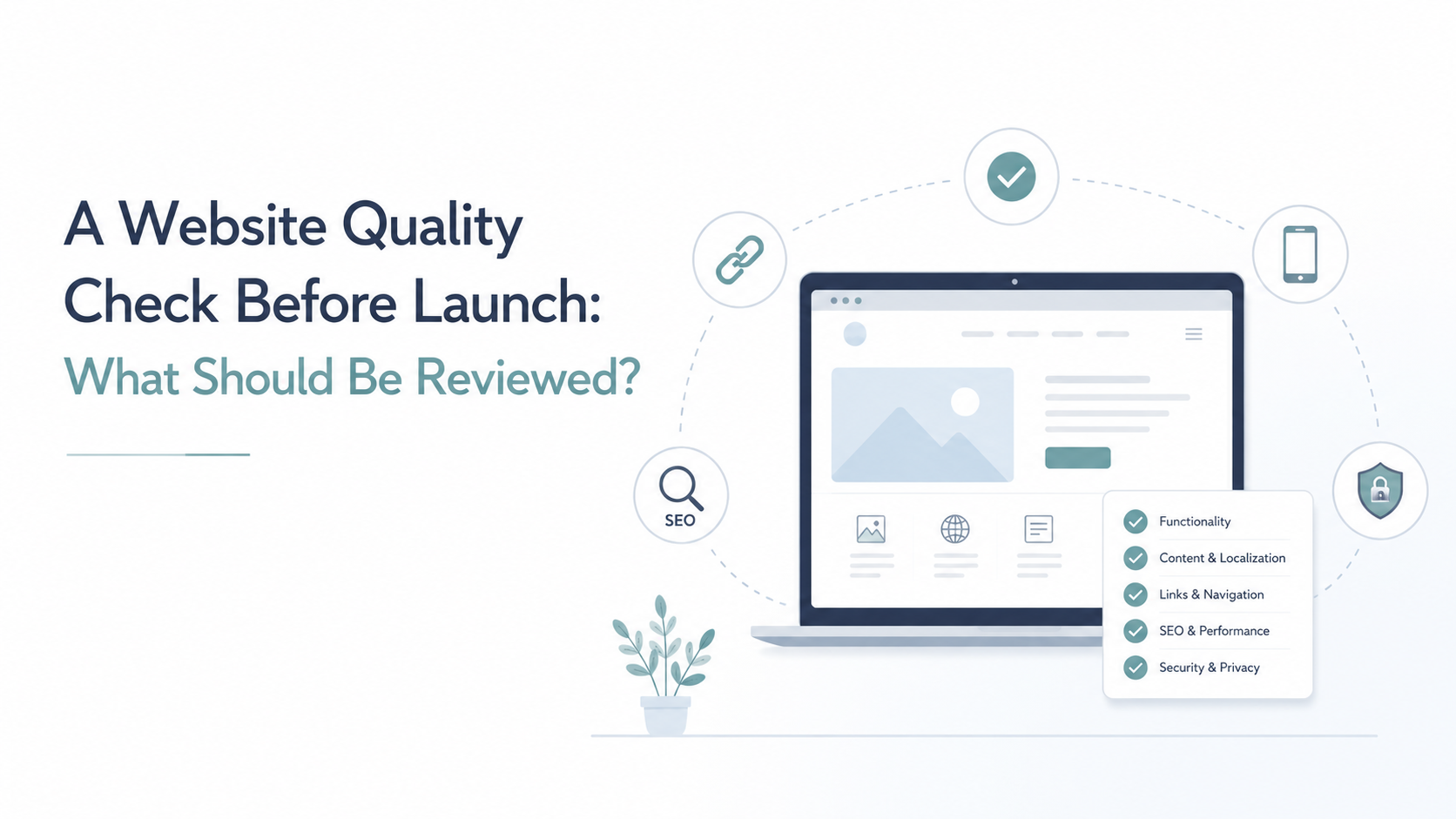

Why a website quality check matters before launch
A website quality check before launch matters even more when your company outsources social media management. Social media brings people to your website. Therefore, the website must support the campaign from the first click. If your posts are localized, your landing pages should feel just as polished. Otherwise, visitors may lose trust quickly.
For LSP clients, this step protects more than the text. It protects the whole customer journey. For example, a translated campaign may look strong on LinkedIn, Instagram, or Facebook. However, if the website has language errors, broken links, or poor mobile layout, the result can still disappoint. In addition, small issues can affect conversions, SEO, and brand image.
Before you publish a localized website, check the details carefully. As a result, your design, translation, and social media work can perform together.
Linguistic QA: make the language clear and consistent
First, review the language on every key page. Check grammar, spelling, terminology, tone, and style. Also, compare the website copy with your social media messages. The voice should feel consistent across all channels. If your posts sound friendly and direct, the website should not sound stiff or unclear.
For LSP clients, terminology matters a lot. For example, product names, service names, CTAs, and industry terms should stay the same everywhere. Otherwise, users may feel confused. In addition, inconsistent wording can make your brand look less professional.
Next, check whether the translation fits the local market. A correct translation may still sound unnatural. Therefore, ask native reviewers or localization specialists to look at important pages. Focus especially on headlines, buttons, forms, and landing pages. These short texts often influence decisions the most.
Functional QA: check that every click works
Next, test the website as a real visitor would. Click all links, buttons, menus, forms, and download options. Also, check the language switcher on every important page. It should take users to the correct language version, not just the homepage. If someone comes from a localized social media post, they expect a smooth journey in their language.
Forms need special attention. For example, contact forms, quote request forms, newsletter sign-ups, and demo requests should work without errors. In addition, confirmation messages should appear in the right language. Emails sent after form submission should also be checked.
Then, review calls to action. They should be clear and easy to follow. If a button says “Get a Quote,” it should lead to the right form. As a result, users can move from social media to your website without confusion or frustration.
Visual QA: make sure the website looks right in every language
After that, review how the translated or localized content looks on the page. Different languages take up different amounts of space. Therefore, a layout that works in English may not work in German, Polish, French, or Spanish. Text can overflow, buttons can look crowded, and headings can break in strange places.
Check all key pages on desktop and mobile. Also, test different screen sizes. Many visitors will come from social media on their phones. As a result, mobile responsiveness is not optional. It directly affects how people see your brand.
Pay close attention to spacing, line breaks, images, banners, and pop-ups. In addition, check whether special characters display correctly. Localized websites should look natural, not squeezed into a design made for another language. When the visual layer feels clean, users can focus on your offer.
SEO QA: help the right audience find the right page
Then, review the SEO elements before the website goes live. A website launch checklist should include page titles, meta descriptions, headers, URLs, image alt text, and internal links. These elements help search engines understand your content. They also help users decide whether to click.
For localized websites, SEO needs more than direct translation. For example, keywords may differ between markets. Therefore, each language version should use terms that real local users search for. In addition, URLs should be clear, readable, and consistent across languages.
Check whether every page has one main H1 heading. Also, make sure internal links point to the correct language version. This is especially important when social media campaigns drive traffic to specific landing pages. As a result, visitors, search engines, and your marketing team all follow the same clear path.
Legal and trust elements: show that your company is reliable
Finally, check the details that build trust. Review the privacy policy, cookie notice, terms of use, company information, and contact details. These elements may seem small. However, they help visitors feel safe, especially when they arrive from social media for the first time.
For LSP clients, this step is important across all language versions. For example, a localized website should not mix languages in legal notices or contact forms. Also, cookie banners should be clear and easy to understand. If your company works in several markets, make sure local requirements have been reviewed.
In addition, check whether users can contact you easily. Phone numbers, email addresses, forms, and office details should be correct. Social media can create interest quickly. Therefore, your website must make the next step simple. When trust elements are clear, users are more likely to stay, ask questions, and convert.
Protect the work you have already done
A website quality check protects the investment already made in design, translation, localization, development, and social media management. Before launch, every part of the website should support the same goal. The language should be clear. The links should work. The layout should look good. Also, the SEO and legal details should be ready.
For companies outsourcing social media management, this step is especially valuable. Social media can bring attention, traffic, and leads. However, the website must turn that attention into action. If visitors find errors, broken forms, or confusing language, they may leave before they contact you.
Therefore, a final quality check is not just a technical task. It is a business safeguard. It helps your localized website feel professional, trustworthy, and ready for real users from the first day.